
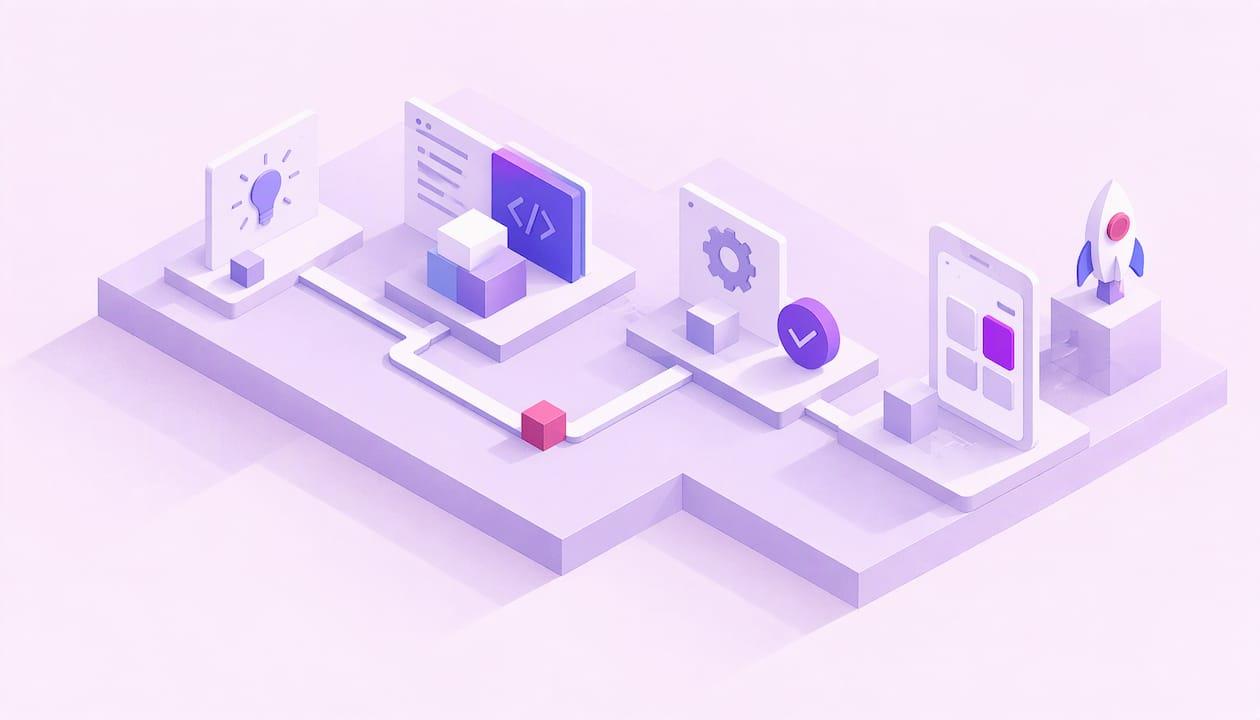
A custom business app is software built around how your business actually works: your orders, your team, your customers. You no longer need a dev team to get one. Define one job the app must do, pick the right app type, build it on an AI-assisted no-code platform, test with real users, then launch and improve. Done well, that takes days or weeks, not months.
This guide shows you how. Which type to build, the steps, the features, the security basics and the costs to plan for. Let's go. 🚀
TL;DR
- A custom business app solves one specific job: taking orders, booking clients, tracking jobs, running an internal process.
- Choose a web app for logged-in work across devices. Choose a mobile app when push notifications, camera, location or offline use are central.
- No-code and AI-assisted platforms let non-developers build real apps. Custom code is for unusual logic or heavy scale.
- Plan for integrations, security, privacy and upkeep from day one, not after launch.
- Start small: one feature, a handful of real users, then expand.
Table of Contents
- What a custom business app actually is
- Two families: customer-facing and internal apps
- Mobile app, web app or internal tool?
- Do you need to code? Probably not
- Build it in 7 steps
- Features worth planning early
- Security and privacy basics
- Time, cost and upkeep
- Our perspective
- Build yours with YouMake
- Quick pre-launch checklist
- Mistakes that slow small business apps down
- FAQ
- Sources
What a custom business app actually is
It's an app shaped to your workflow, not a generic tool you bend your process around.
Think of the spreadsheet your team keeps patching. Or the phone calls your customers make to place an order. Or the paper forms your crew fills out on site. A custom app replaces that friction with one clear screen.
It can solve problems like:
- Lost time: no more retyping the same data in three places.
- Missed orders: customers order or book directly, any hour.
- Messy handoffs: tasks, approvals and status live in one place.
- Zero visibility: you see what's happening without chasing people.
The app doesn't need to be big. The best first version does one thing well.
Two families: customer-facing and internal apps
Most custom business apps fall into one of two groups.
Customer-facing apps
These serve the people who pay you.
- Ordering and booking apps: a restaurant takes orders directly, a salon fills its calendar.
- Client portals: customers log in to see invoices, project status or documents.
- Loyalty and rewards apps: points, offers, repeat visits.
- Quote and request apps: a customer describes the job, you reply with a quote.
- Catalog or product apps: browse, filter, save favorites.
Internal business apps
These serve your team. If you've wondered how to build an internal business app, start here, because the stakes are low and the payoff is quick.
- Inventory and asset trackers
- Field service and job-site checklists
- Approval and request flows: time off, purchases, expenses
- Team dashboards: sales, tasks, KPIs
- Onboarding and training hubs
Internal apps are a smart first project. Your users are your own people, feedback is a message away, and you can fix things fast.
Mobile app, web app or internal tool?
This is the first real decision, and it shapes everything after.
A simple rule from a guide comparing websites, web apps and mobile apps: go with a web app for logged-in tasks and data management across devices. Go with a mobile app when frequent phone use, push notifications, camera, location or offline access is central.
Here's how that plays out:
| Your situation | Best fit | Why |
|---|---|---|
| Staff manage records from laptops and phones | Web app | One build, works on any device |
| Customers log in to view invoices or status | Web app (client portal) | Simple access, no download |
| Crews photograph job sites or work with spotty signal | Mobile app | Camera and offline access |
| You want to nudge customers with offers | Mobile app | Push notifications |
| A team process lives in spreadsheets | Internal tool (web) | Fastest to build and adjust |
Not sure? Start with a web app. It's usually the quickest route to something your people can use this week. You can add a mobile version once you've proven the idea.
Do you need to code? Probably not
For most small business apps, no.
AI-assisted no-code platforms let you describe what you need, shape screens visually, and connect logic without writing code. That's the idea behind YouMake: a platform that automates app development for people who aren't developers.
No-code or AI-assisted building fits when:
- Your app is forms, lists, dashboards, bookings, orders or approvals.
- You want to launch fast and iterate.
- You don't have in-house developers.
- Budget matters.
Hand-coded custom development makes sense when:
- You need highly unusual algorithms or hardware-level features.
- You expect very large scale from day one.
- Your product is the software, and deep control is the point.
Most small businesses and marketing teams sit in the first group. Don't pay for engineering you don't need.
Build it in 7 steps
1. Name one job
Write a single sentence: "This app helps [who] do [what] so that [result]." Example: "This app helps customers order pickup so we stop losing calls during the lunch rush."
If you can't say it in one sentence, the scope is too big. Trim it.
2. Know your users
Who taps the screen? A customer on a phone in line? A manager at a desk? A technician with gloves on? Their context decides the app type, the layout and the speed you need.

3. List the must-have features
Separate "needed at launch" from "nice later." A first version often needs only:
- Sign-in or access control
- The core action (order, book, submit, track)
- Notifications or confirmations
- A simple admin view for you
4. Sketch the screens
Paper works. Five screens or fewer. Map the path from open to done. Fewer taps wins.
5. Build the first version
Use your platform to create the screens, data and logic. Aim for a working prototype quickly. Seeing it on a real device changes your opinions fast.
6. Test with real people
Give it to five to ten actual users. Watch them use it. Note where they hesitate. Fix the top three issues, then test again. Also check it on different phones and browsers, and with bad Wi-Fi.
7. Launch small, then grow
Roll out to one team, one location or one customer group. Gather feedback for a few weeks. Then widen the launch and add features in priority order.
Features worth planning early
Some things are painful to bolt on later. Think through them up front.
- User roles and permissions: who sees what. Staff, managers and customers rarely need the same access.
- Integrations: payments, calendars, email, your CRM, accounting or spreadsheet data. List the tools your app must talk to before you build.
- Notifications: confirmations, reminders and alerts, by email, text or push.
- Search and filters: the bigger your data, the more this matters.
- Reporting: a simple view of orders, usage or completion rates helps you decide what to improve.
- Content controls: if users can submit text, images or reviews, you need moderation. YouMake includes content moderation and safety controls designed to align with Google Play Store policies, which helps when your app publishes to that store.
Security and privacy basics
Your app will hold customer or team data. Treat that seriously from the start.
- Collect only what you need. Every field you don't collect is a field you can't lose.
- Control access. Use sign-in, strong passwords and role-based permissions. Remove accounts when people leave.
- Encrypt and back up. Protect data in transit and at rest, and keep backups.
- Know the common mobile risks. The OWASP Mobile Top 10 is a widely used reference list of the main security risks in mobile apps. Skim it before you launch.
- Handle personal information with care. The FTC's guide to protecting personal information walks US businesses through sound data practices.
- Write a plain privacy policy. Say what you collect and why. App stores generally expect one when you collect user data.
If your app handles health, payment card or children's data, specific laws and standards apply. Talk to a qualified attorney or compliance professional before launch.
Time, cost and upkeep
Here's the honest shape of it.
Time. Scope drives the clock. One-job apps built on an AI-assisted platform can go from idea to launch in days. YouMake's claim is app launches in days rather than months. Add time for testing and for any integrations you need.
What drives cost:
- Number of features and screens
- Number and complexity of integrations
- Web only, or iOS and Android too
- Custom design versus ready-made components
- Who builds it: you, a teammate or an outside developer
- Store fees and your own time for testing
Traditional custom development is resource-heavy because every one of those items needs engineering hours. A platform approach reduces that load, which is the point of building without extensive coding.
Ongoing needs:
- Someone who owns the app and reviews feedback
- Regular updates as phones, browsers and your business change
- Periodic checks of permissions, accounts and integrations
- Support for users when they get stuck
Treat the app like a product, not a one-off project. A monthly 30-minute review keeps it healthy.
Our perspective
We built YouMake because the old way of making apps asks too much of the people who need them most. Small business owners, entrepreneurs and marketing teams know exactly what their app should do. They just don't have months or a developer's budget.
Our view is simple. The idea should come first, the code second. With a user-friendly interface and integrated AI tools, you describe the app you need and shape it into something real, tailored to your business, not a one-size-fits-all template.
We also think speed and responsibility belong together. That's why our platform includes AI safety filters and content moderation controls designed to align with Google Play Store policies, so what you build is ready for the real world.
Start with one job. Launch fast. Learn from real users. Then grow. That's how custom business apps get built, and it's what we designed the platform for.
YouMake
Build yours with YouMake
Ready to turn your idea into a working app? YouMake AI is a platform for automated app development, built for people who aren't developers. Use the user-friendly interface and integrated AI tools to create a tailored mobile or web app, with content moderation and safety controls included. ✨

Want to see how it works? Explore YouMake AI and start with your first app idea. Our model is a subscription, with a free trial or demo period to get you going.
Quick pre-launch checklist
Run through this before you tell anyone the app exists.
- The app does one job and does it clearly
- Five to ten real users tested it
- It works on common phones and browsers
- Roles and permissions are set
- Integrations are connected and tested
- Privacy policy is written and linked
- Content moderation is on, if users can post
- You know who owns updates and support
- You have a way to collect feedback
Mistakes that slow small business apps down
- Building everything at once. A 20-feature launch is a 20-bug launch. Ship the core.
- Skipping the users. You are not your customer. Watch them tap.
- Ignoring existing data. If your records live in spreadsheets, plan how they move over.
- Forgetting an owner. Apps without a named owner drift.
- Treating launch as the finish line. It's the starting line. Feedback is your roadmap.
FAQ
How much does a custom business app cost?
It depends on features, integrations, platforms and who builds it. Platform-based building usually costs far less than hand-coded development because you skip most engineering hours. YouMake doesn't publish a price on its site, so check the platform page for current plans and trial details.
Can I build an internal business app without a developer?
Yes, for most internal needs like trackers, request forms, approvals and dashboards. Describe the process, build the screens on an AI-assisted platform, and test with your team. Bring in a developer only for unusual logic or very high scale.
Should a small business choose a mobile app or a web app?
Choose a web app if people log in to manage tasks or data from different devices. Choose a mobile app if push notifications, camera, location or offline use is central to the job. When in doubt, start with web and add mobile later.
How long does small business app development take?
A focused, single-purpose app can be live in days on an automated platform, while complex builds with many integrations take longer. Scope is the biggest factor. Launch a small version first and expand from there.
Is a custom app secure enough for customer data?
It can be, if you plan for it. Collect only what you need, control access by role, encrypt and back up data, and review common risks like those in the OWASP Mobile Top 10. For regulated data such as health or payments, consult a compliance professional first.